
Desktop App
Learn to touch type
Short lessons and a keyboard that shows which finger to use. Works offline too.
Use it with a desktop license or your school's plan.
Windows
Windows 10 or later
macOS
macOS 13 or later
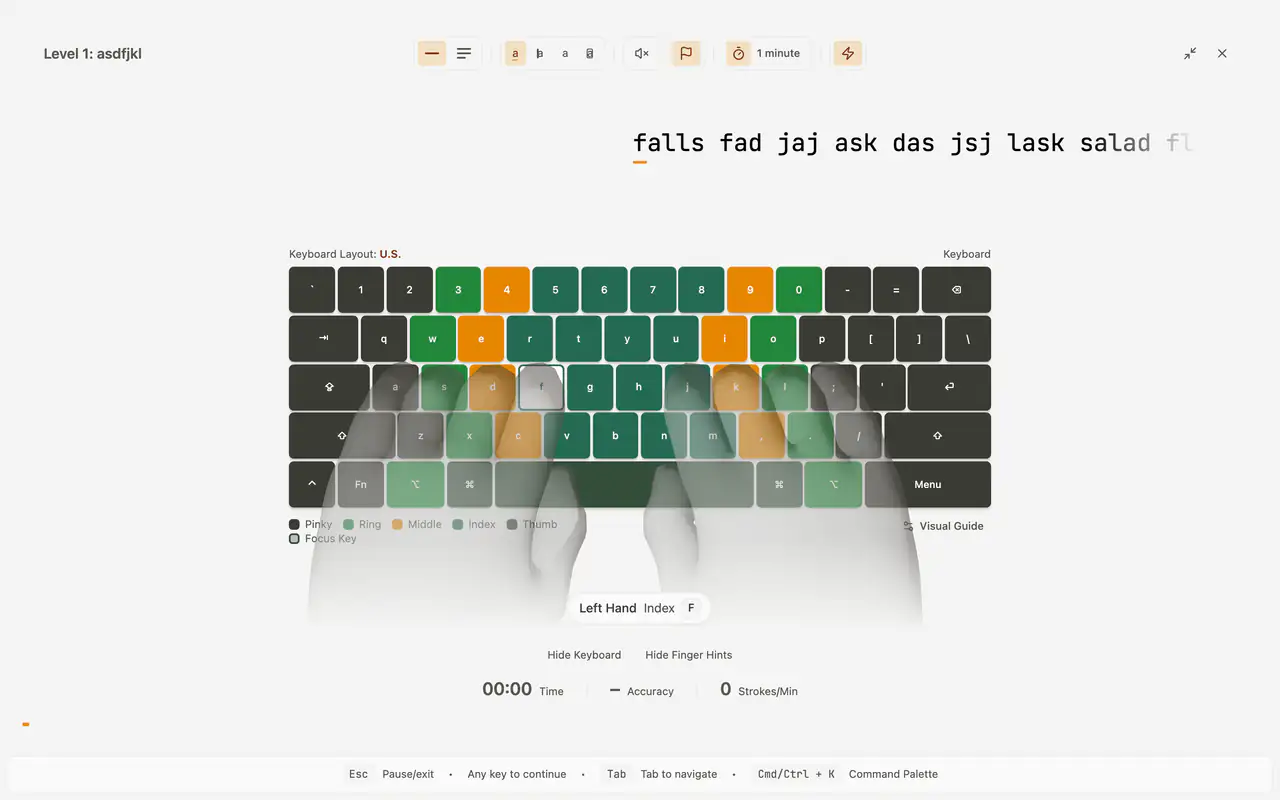
It shows you where every finger goes
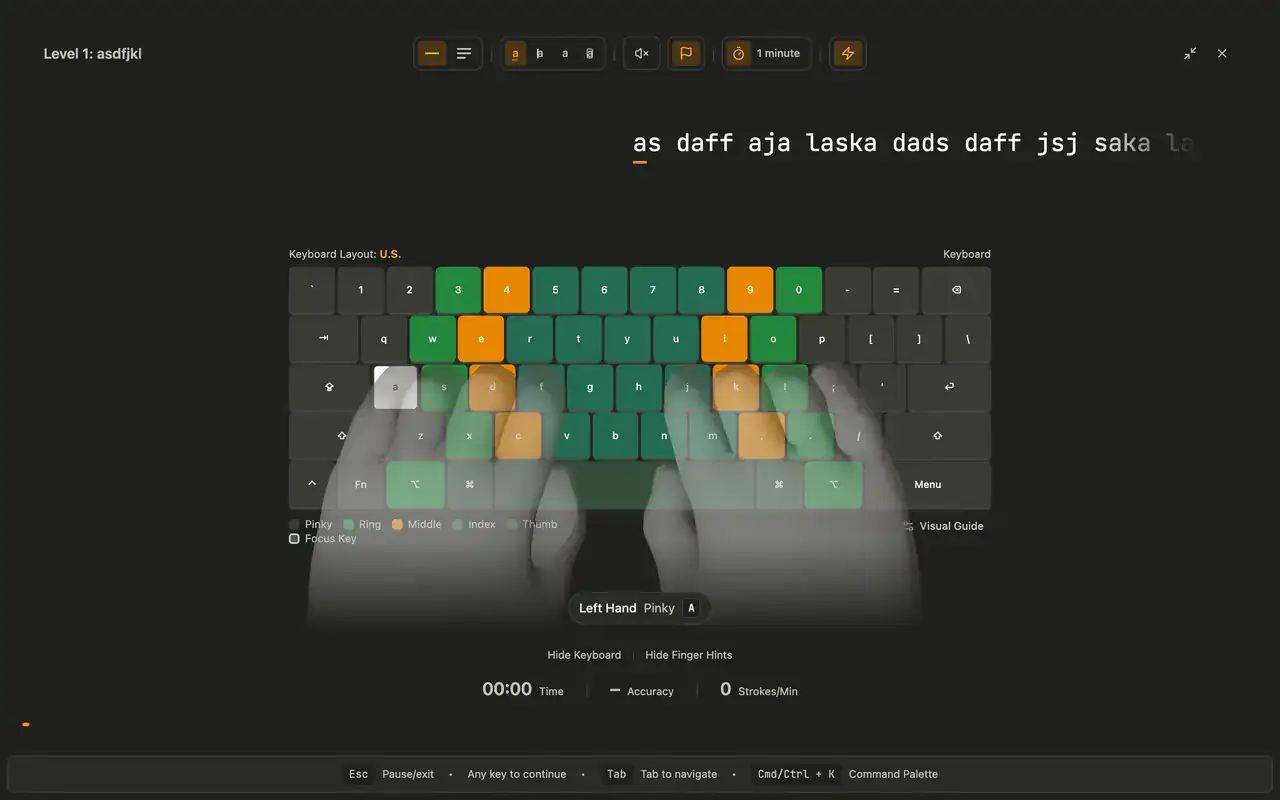
Every key lights up in the color of the finger that presses it, and the hands show the movement, so your eyes stay on the text.
Your course
Lessons add keys step by step, from the home row to the whole keyboard, and the course picks up where you left off.
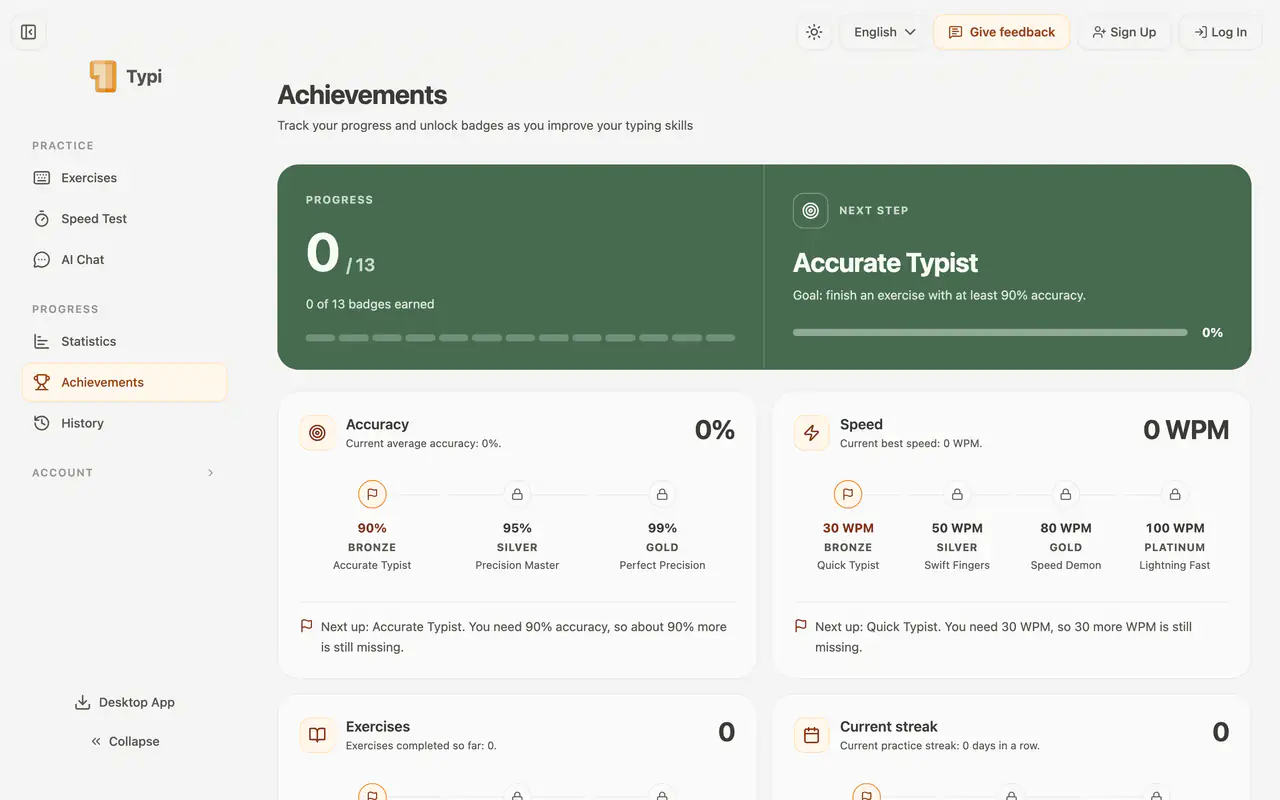
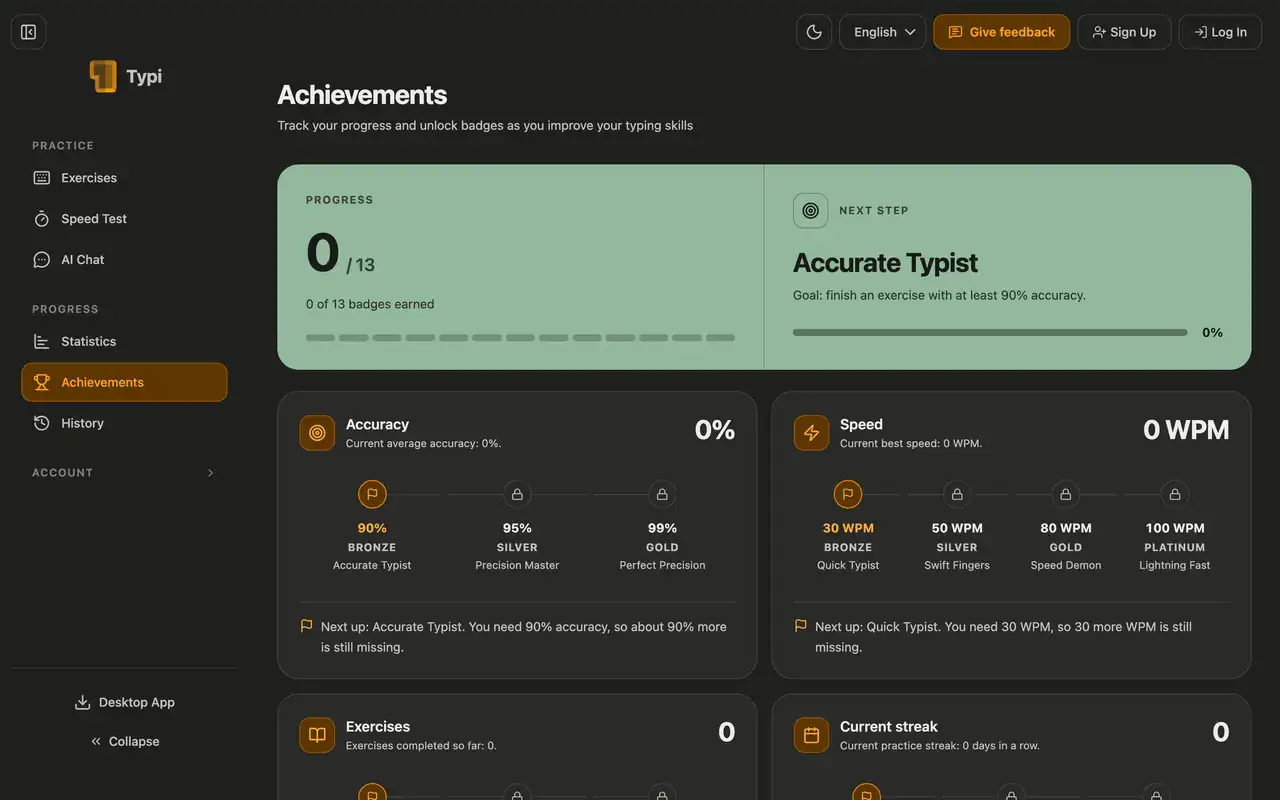
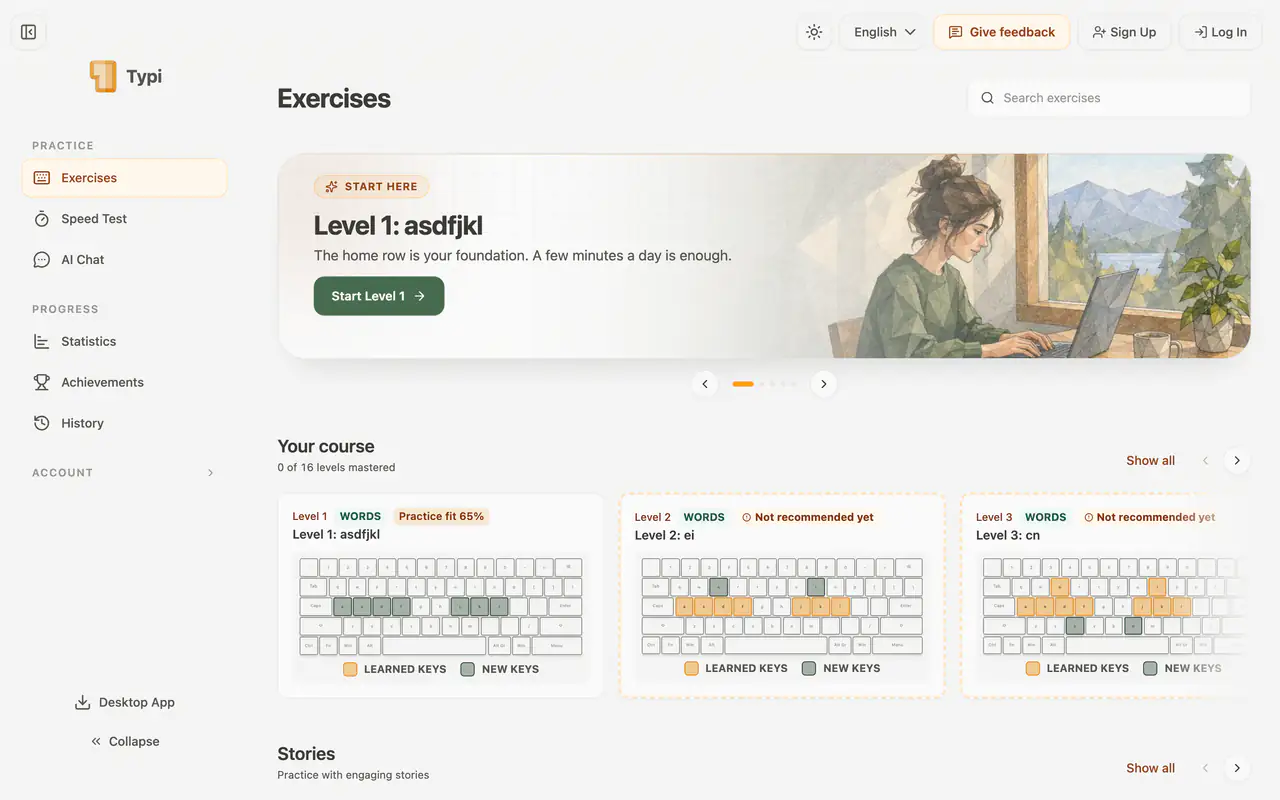
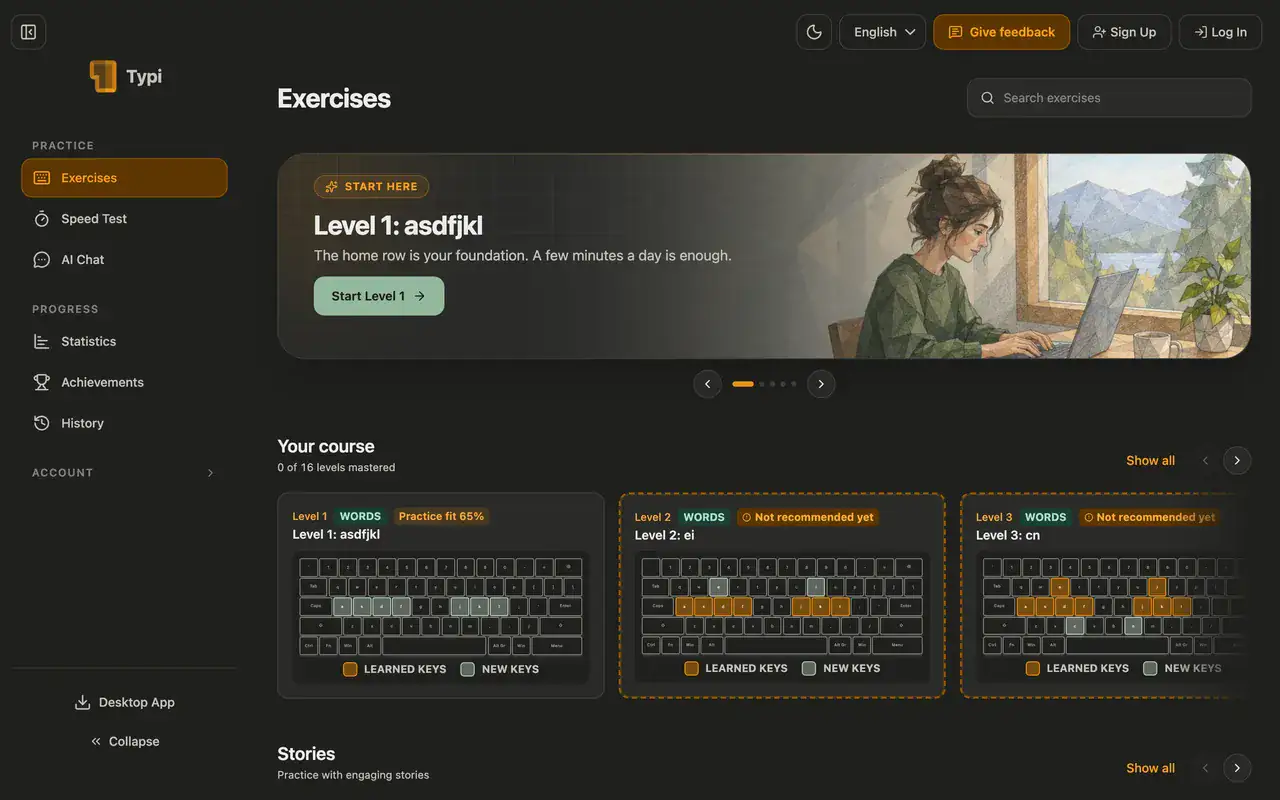
A look inside
The complete app in its own window, in your language.
What the desktop app adds
Made for focused practice, wherever you are.
Practice offline
The app starts and runs without internet. Your progress syncs as soon as you're back online.

No ads, no browser tabs
TypiTrain opens in its own window, straight into practice, without ads.

Updates included
New versions install automatically in the background. You pay once and keep the app.

Before you buy
- What does the license include?
- You pay once and keep TypiTrain for Windows and macOS on up to three computers, with all updates included.
- Can I get my money back?
- Yes. Email us within 14 days of your purchase and we'll refund it in full.
- Do I need internet?
- Only to activate the app and once every 30 days. Practice works offline; a few features, such as AI Insights, need a connection.
- Is it included in my school's plan?
- Yes. Sign in with your school account and download the app at no extra cost.
Desktop App
Get the Desktop App
Pay once and practice offline on up to three computers.
Get the desktop appInstant download
Pay once, keep it